MCP actions in MATRIC
Let's pretend that we're an AI agent...
Model Context Protocol (MCP) is a standard that connects AI models and agents to external data sources, tools, and systems. But there is nothing fundamentally stopping any app from utilizing those interfaces, so why not?
MATRIC supports connecting to an MCP server and assigning MCP actions ("tool calls") to control events like button presses. This feature is not fully mature and might be subject to changes in the future.
Setting up the MCP connection in MATRIC
So how does it look in practice? We will use a simple example of connecting to the NVIDIA App's MCP server.
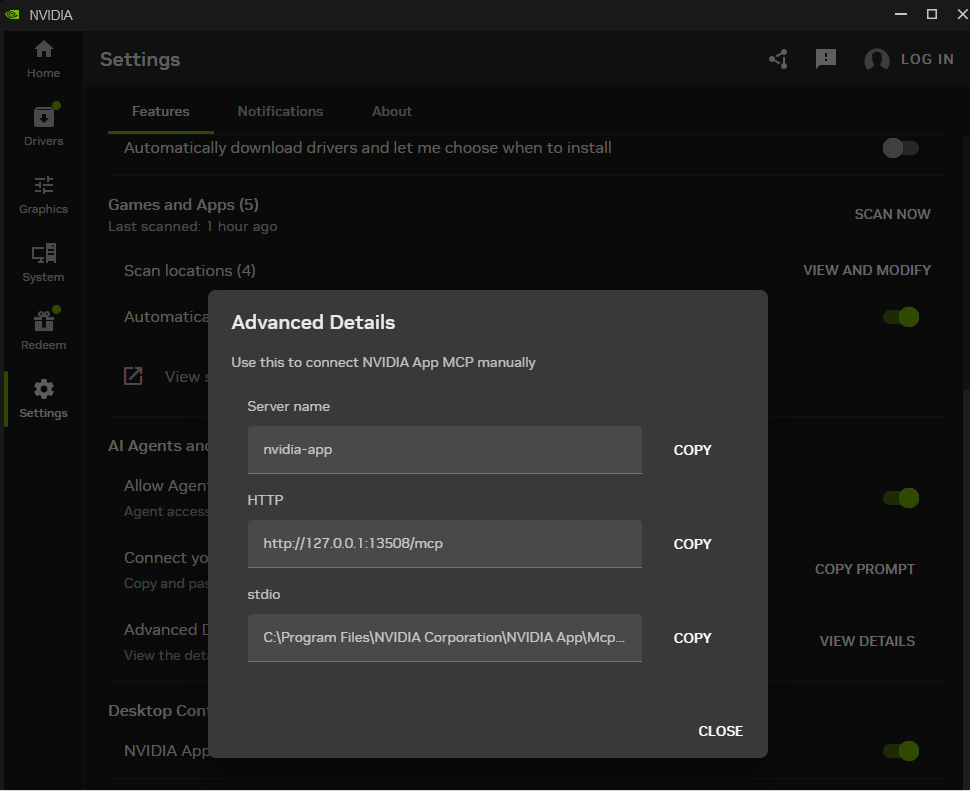
- Open NVIDIA App and make sure "Allow Agents to control NVIDIA App" is enabled
- Click VIEW DETAILS to copy the MCP server endpoint (default seems to be http://127.0.0.1:13508/mcp)
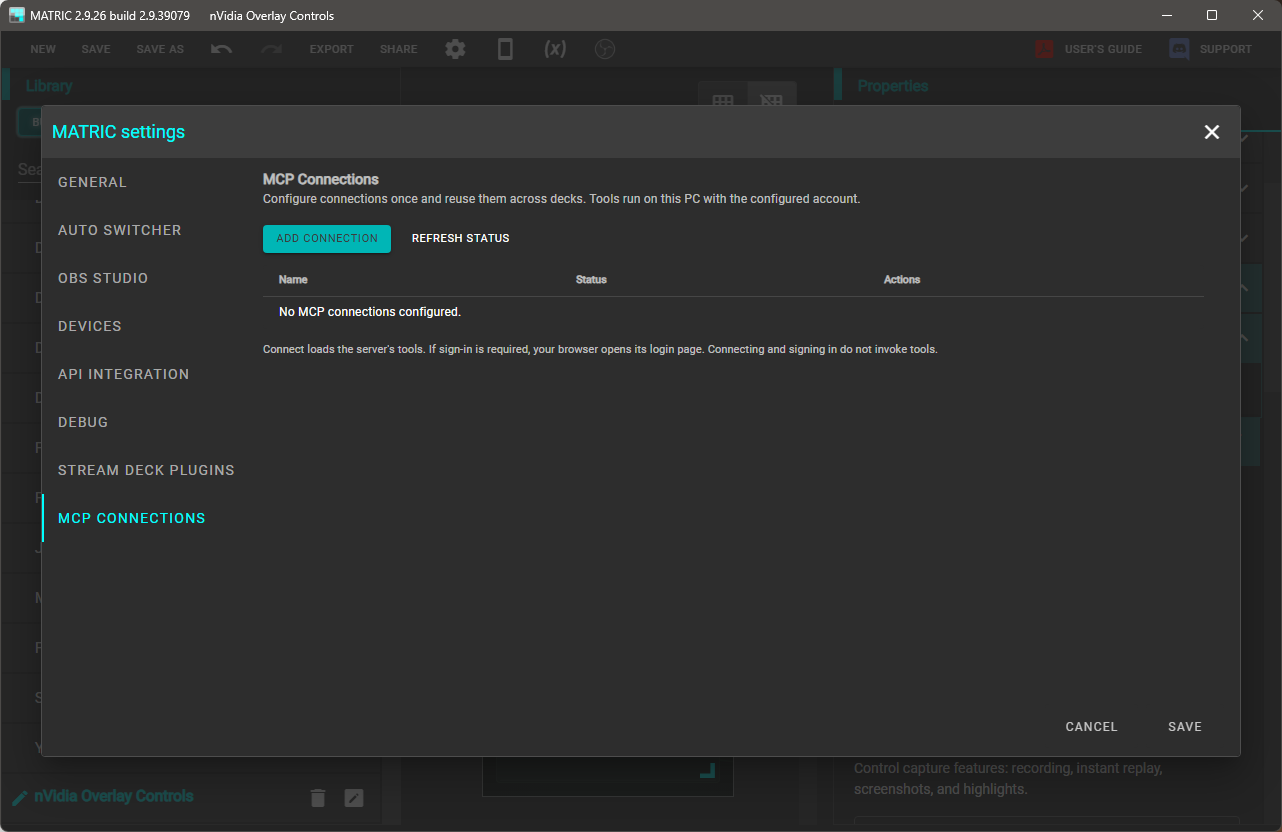
- Open MATRIC Settings -> MCP CONNECTIONS, click ADD CONNECTION and set the connection parameters
- When done, click CONNECT
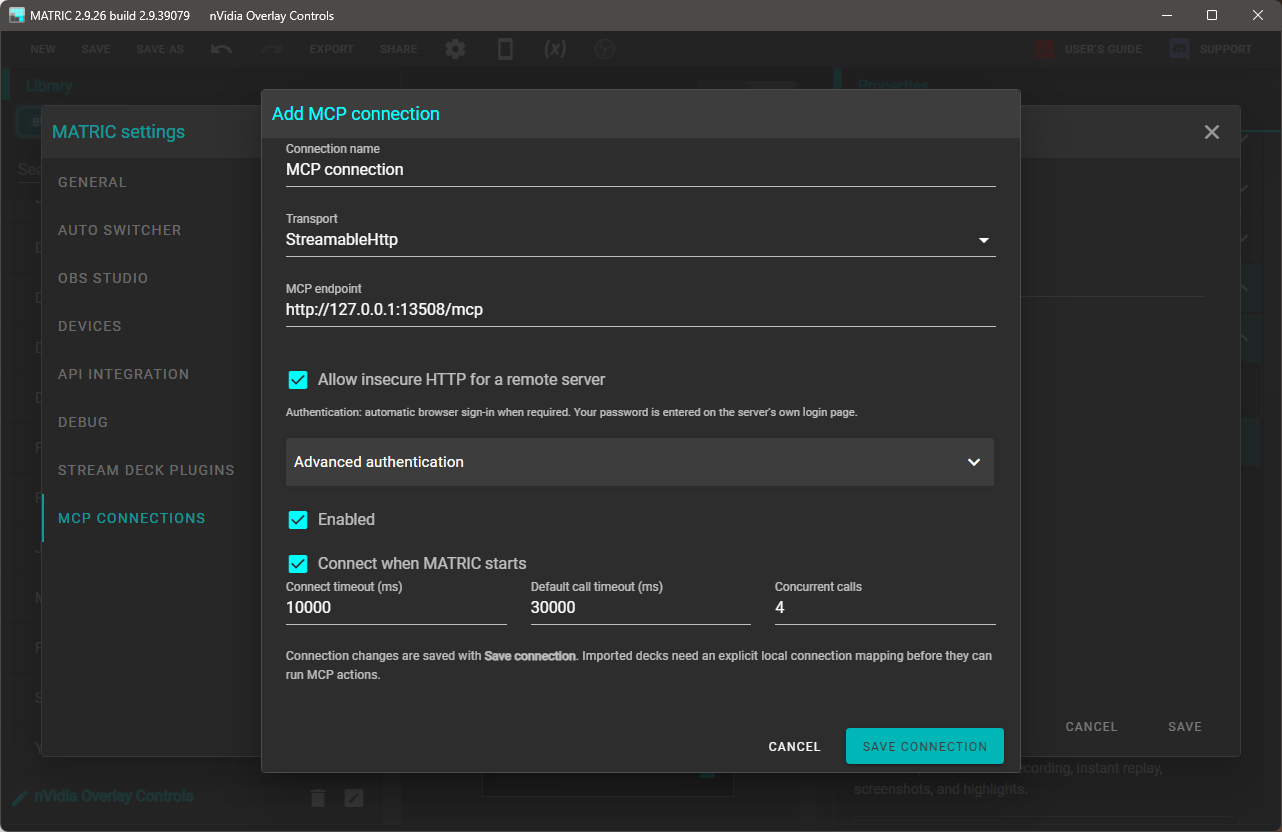
- Click TOOLS, and you will be presented with a list of everything this MCP server offers

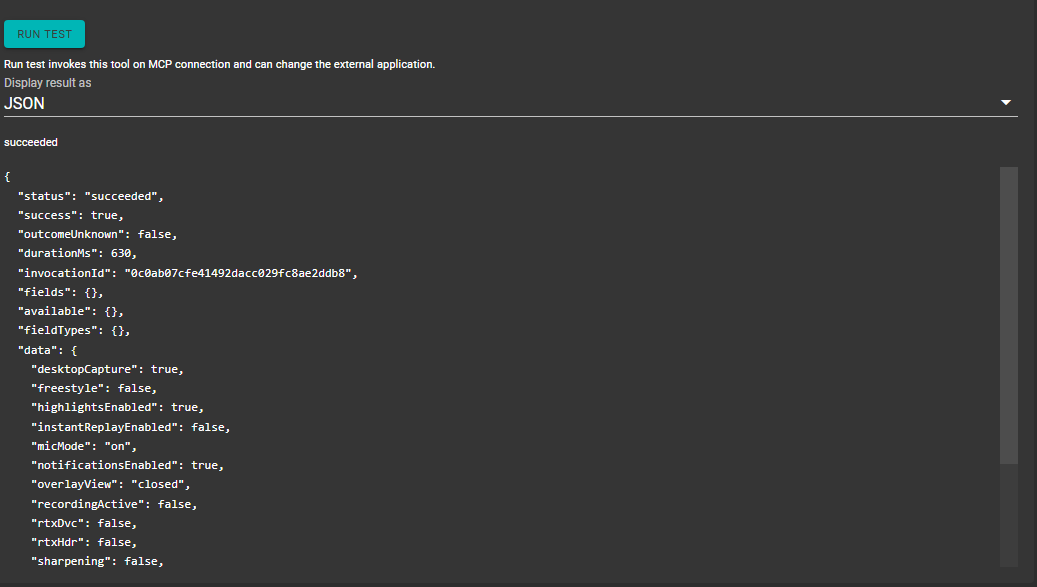
- Click on nvapp_overlay_get_status. This tool has no required input parameters, so you can just click RUN TEST. If you see a result like the one in the screenshot below, congratulations—you've made your first MCP connection.
Doing something with it
Now that we have the connection configured, we can use it in a MATRIC deck. For the sake of simplicity, we will create just one button that calls an MCP tool when pressed.
- Create a new deck and add one button to it.
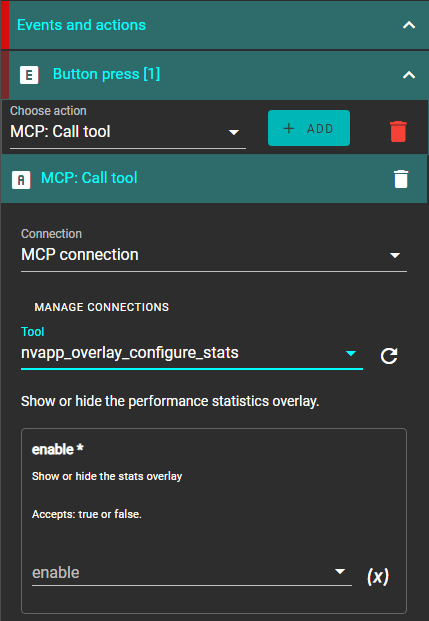
- Add the Other -> MCP: Call tool action to the button's press event.
- Choose the NVIDIA MCP connection you created earlier and the nvapp_overlay_configure_stats tool.
- This tool has one parameter called "enable". Set it to true to show stats in the NVIDIA overlay, or false to hide them.
- Save the deck, open it in the MATRIC client and tap the button you created. That's all.
A more advanced deck
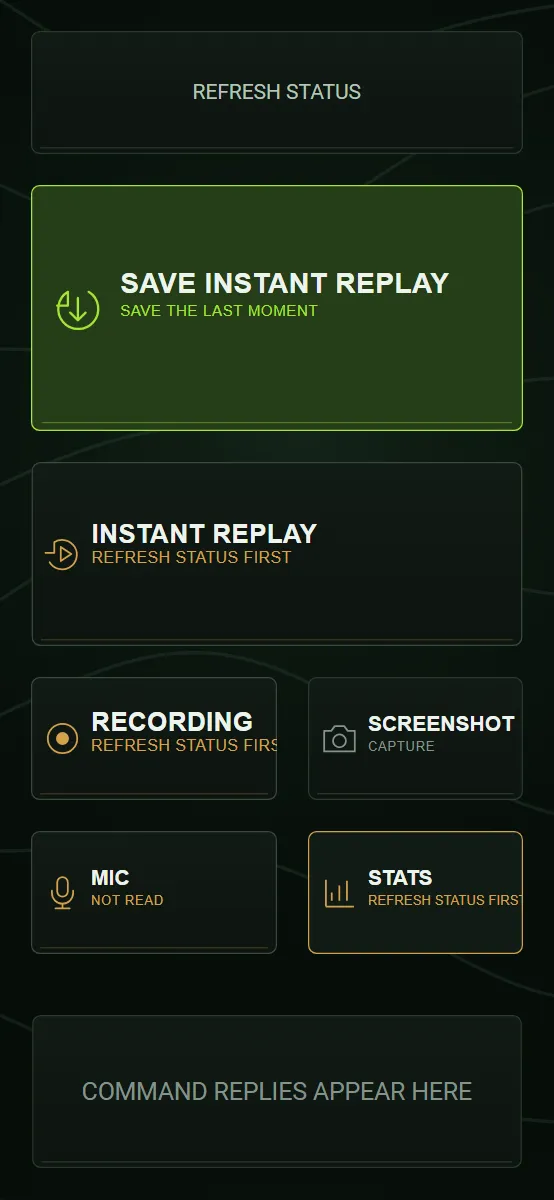
For this introduction, I intentionally used a very simple example. A more advanced deck using MCP can be found on MATRIC Community Gallery. I'll tell you a secret unrelated to MCP: I didn't make that deck myself. I installed MATRIC AI skill and asked ChatGPT to make me a deck to control NVIDIA overlay using MCP.