MATRIC transparency control
Now you can make decks with...holes?!?
The new MATRIC release (MATRIC Desktop server 2.9.26+ and Windows client 1.6.6+) introduces the new transparency control. In essence, this gives you, as a deck author, the option to create "holes" in your deck. The motivation behind it is to enable you to combine your deck with things like pop-out panels in Microsoft Flight Simulator or MFD exports from DCS.
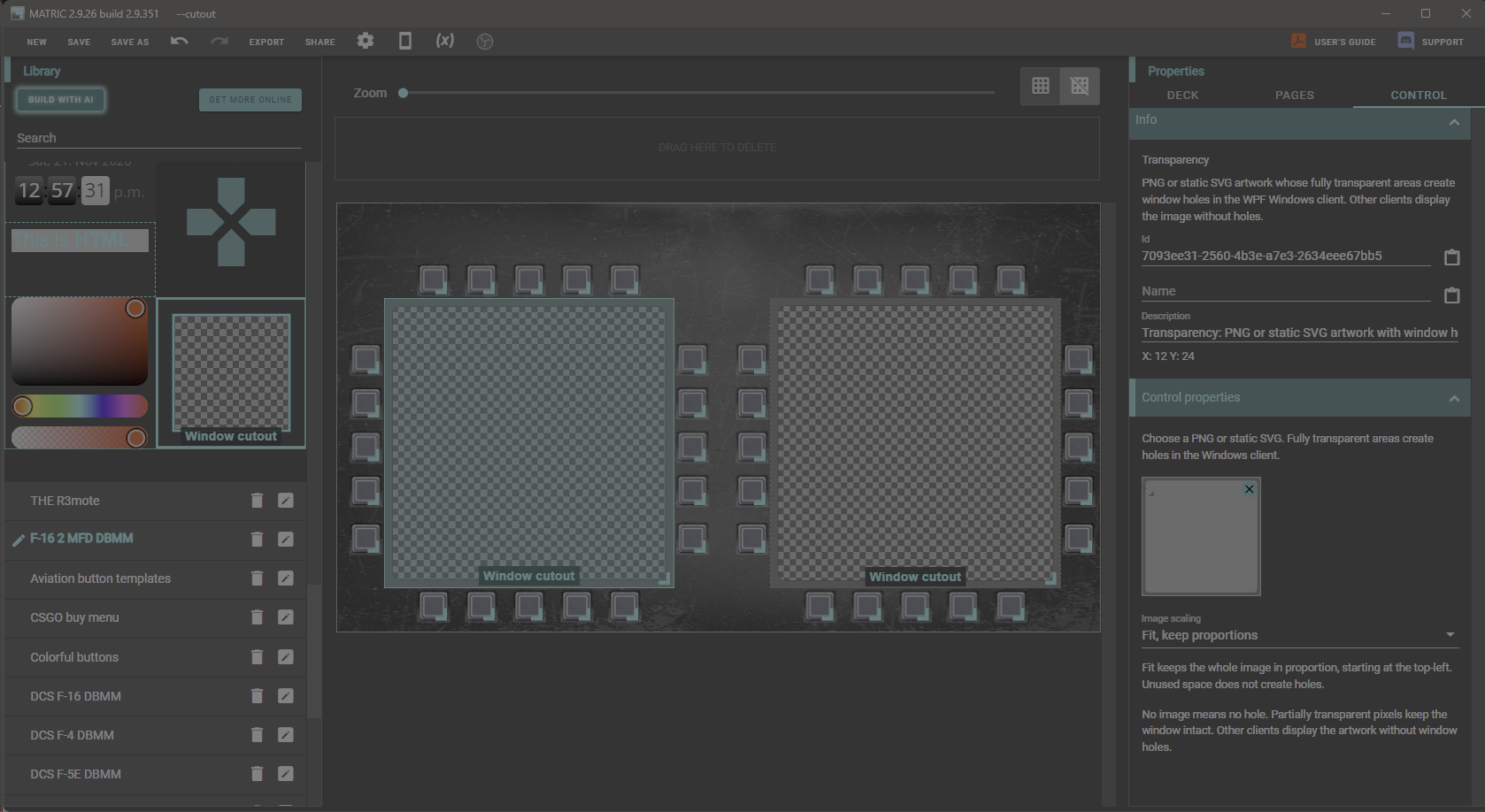
To create a cutout, drag Transparency from Control templates → Other onto your deck. The transparency mask is a PNG or SVG image. Fully transparent parts of the image create transparent areas in MATRIC, allowing you to see whatever is behind the deck.
This feature is supported in the Windows client. Mobile clients treat the transparency control mask as a regular image.
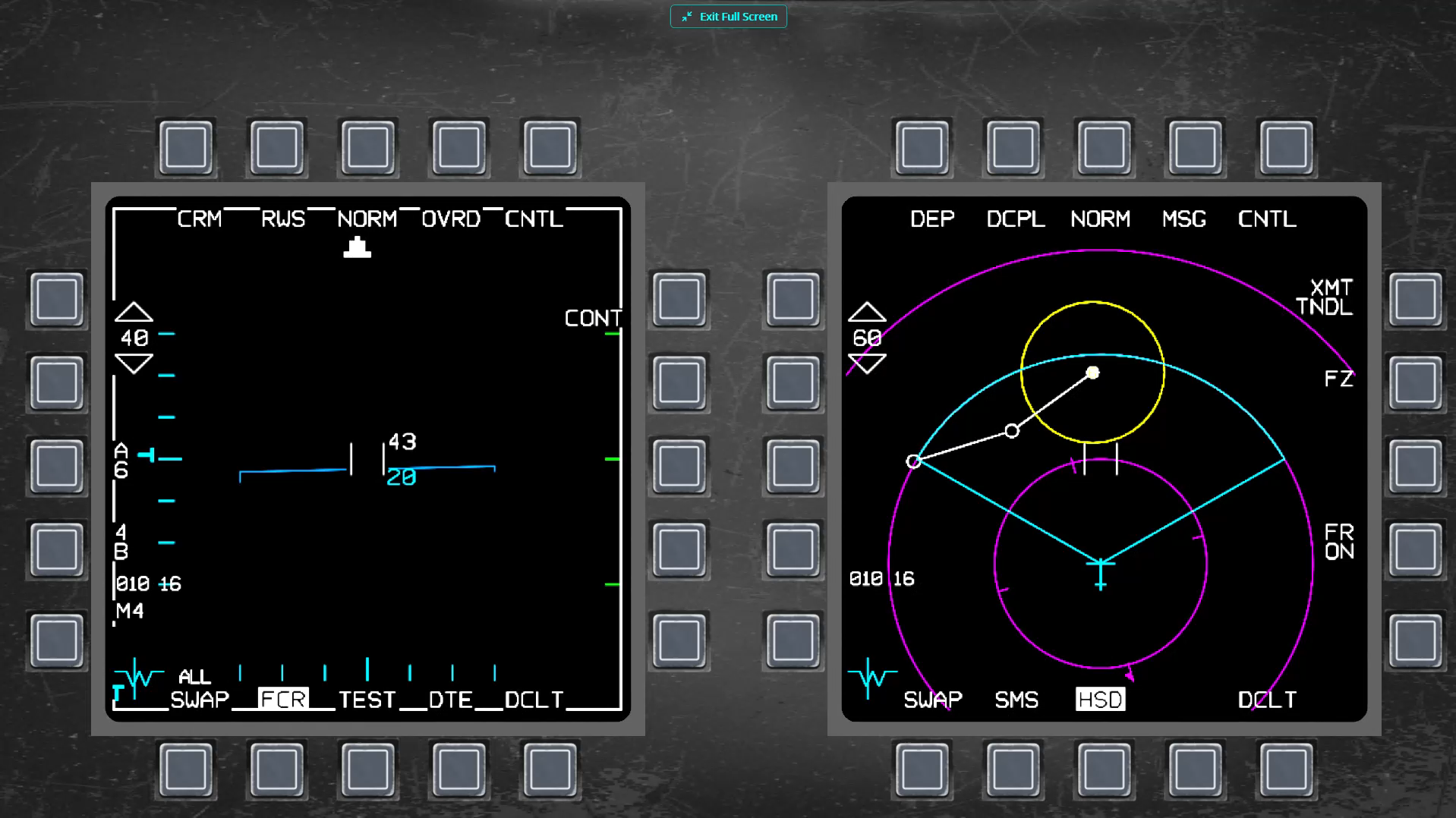
The example below shows how it works: a deck with two see-through transparent areas for DCS MFD exports.